August 4, 2026
A Furniture Retailer's Guide to Automated Catalogs

Chris Johnson
CEO

Your catalog is probably out of date right now.
Somewhere on your website, a manufacturer’s price changed, but your catalog didn’t. And that’s just the beginning. There is a sectional the manufacturer stopped building in spring. There is a set of dimensions somebody keyed in from a spec sheet nobody has opened since.
Nothing broke. No alert fired. No one made a mistake. The catalog just drifted, and the way every manual catalog drifts, a little further each week the team is busy with something more urgent.
Drift has a price, though it rarely comes with a label. Customers order pieces you cannot deliver. Sales go to a competitor whose listing was current. Freight goes out and comes straight back because a sofa was two inches wider than the page said it would be.
The problem isn’t a single outdated price or discontinued product. It’s a catalog that slowly becomes less accurate over time. To understand how retailers solve that problem, it helps to first define what an automated catalog actually is.
What An Automated Furniture Catalog Means
An automated catalog can mean several different things, which is why retailers often end up talking about different products. Some vendors mean a design tool that lays out a PDF look book; others mean AI that writes product descriptions for you. Neither of those is what we are talking about here.
An automated catalog uses a current source of manufacturer product data to reduce the manual work involved in collecting and maintaining catalog information. When manufacturers update prices, finishes, or product collections, retailers can receive those updates through APIs or webhooks and decide how to review or apply them within their own systems.
To understand where catalogs fail, it helps to separate three jobs that are often treated as one.
Sourcing: The process of obtaining accurate product data from the manufacturer.
Storing: The process of storing it in a structured, governed repository.
Displaying: The process of putting it on your site in a way shoppers and search engines can use.
Most software sold as catalog management handles storing and displaying. Very little of it handles sourcing. That gap explains why a retailer can buy a well-reviewed platform, implement it correctly, and still end up with a catalog full of stale data 18 months later. The system was never the bottleneck. The data going into it was.
Product data syndication is the industry term for making authorized manufacturer product information available in a structured format that retailers can integrate into their own systems and workflows.
Why Is Furniture Catalog Harder To Automate?
Generic catalog advice assumes a product is a single item with a handful of attributes. Pick an SKU, fill in a dozen fields, publish. That works well enough for many industries. It falls apart quickly in furniture.
Three challenges account for most of the complexity: the way variants multiply, the volume of imagery each product requires, and the fact that collections change on the manufacturer’s schedule.
One Sofa Is Not One Product
A single frame, multiplied by fabric grade, finish, configuration, and size, yields dozens or hundreds of records for what your showroom calls one product. Twenty frames, fifteen fabrics, and three finishes give you 900 combinations. Each one needs its own price, lead time, images, and dimensions.
Run the numbers on your own showroom floor. Your sales team might talk about one sofa, but your website has to manage every finish, size, and configuration as its own record. Count the products your team names in a sales meeting, then count the records your catalog has to keep accurate. Those numbers are rarely close. The gap between them is the real size of the job, and almost nobody measures it.
The multiplication would be manageable if the attributes were independent. They are not. A fabric may only be available on certain frames. A finish may carry a different lead time. A configuration may change the shipping dimensions and nothing else. Keeping that matrix correct by hand is bookkeeping against a system that changes without telling you.
The Photography Problem Nobody Budgets For
Furniture sells on imagery, and every variant wants its own. Swatch shots, room scenes, detail crops, dimension diagrams, they are all matters. A dining table in four finishes is four sets of photos, not one set with a caption.
When a manufacturer reshoots a collection, a manual catalog continues to serve last season’s photos indefinitely. Nobody is watching for the change because there is no mechanism to tell you it happened.
Spec sheets, assembly instructions, and warranty documents behave the same way, and they are usually maintained worse than the images. Those files are the ones a customer opens right before they buy and right before they call to complain.
Collections Change On The Manufacturer’s Schedule
Furniture manufacturers retire finishes and whole collections on their own timetable. They rarely notify dealers in any form a computer can read. You find out from a sales rep, a newsletter, or, worst of all, from an order you cannot fill.
Of all the attributes in a manual catalog, a discontinued flag is the one most likely to be silently wrong. Prices get spot-checked because margin is visible. Availability does not, because nothing looks broken until a customer has already paid.
That challenge isn’t building a furniture catalog. It’s keeping it accurate after launch. As manufacturers update products, images, finishes, and availability, every manual process falls a little further behind. That’s what makes furniture one of the most difficult retail categories to manage without automation.
What A Manual Catalog Is Really Costing You
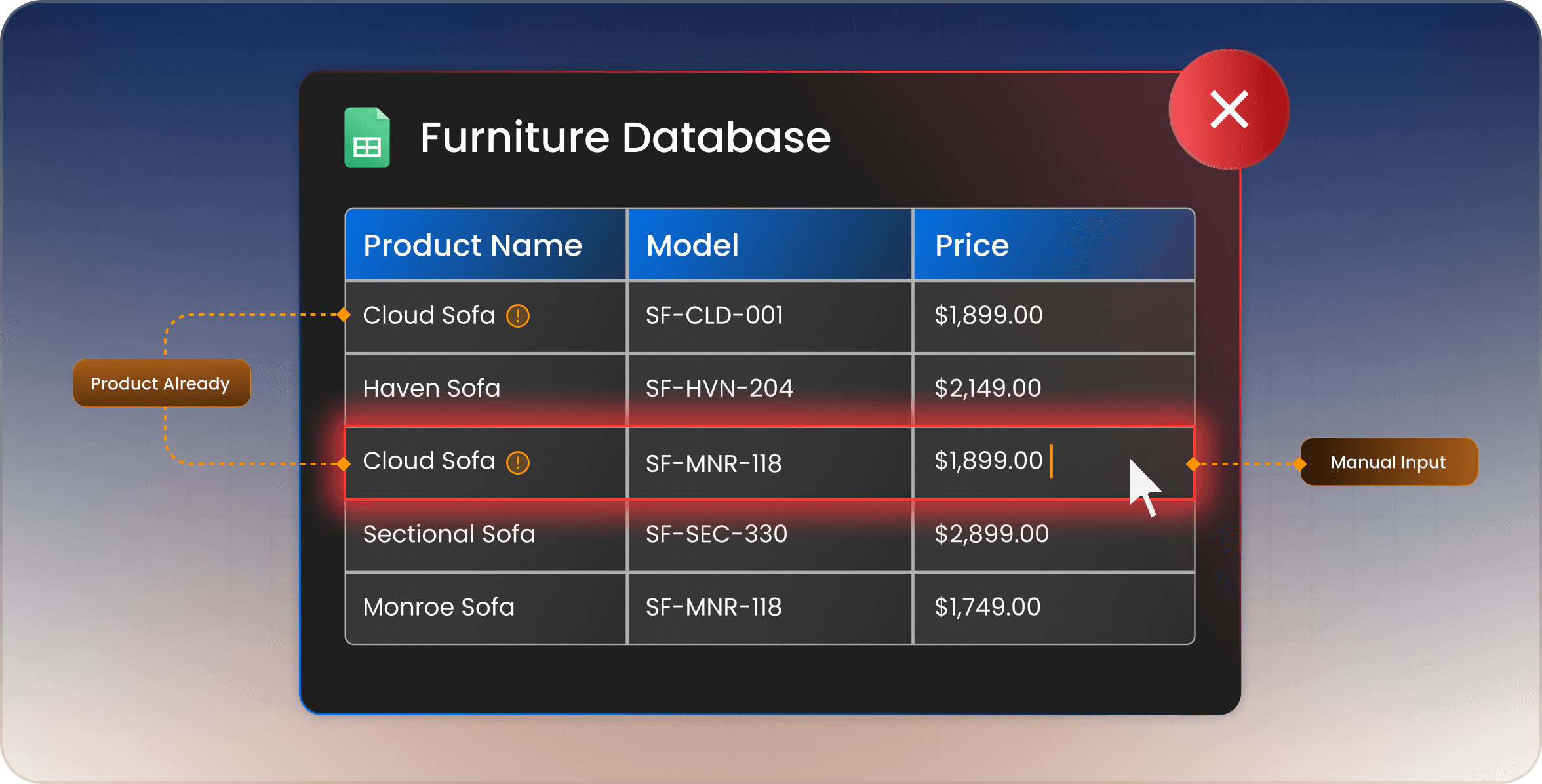
None of these costs show up as a line item. They arrive as returns, lost sales, support calls, and collections that go live weeks after demand peaks. Each instance is ordinary enough that nobody escalates it. They deserve proper measurement because, in furniture retail, each one is significantly more expensive than it appears.
Wrong Dimensions Come Back As Freight
A dimension error on a product page is not a customer service annoyance. It is a sofa that does not clear a doorway, on a truck, with two people who now have to load it back on. Furniture reverse logistics costs far more than returning a shirt or a small appliance. The item is heavy, bulky, and frequently damaged in the second handling. The delivery slot is gone, and the sale usually goes with it.
Run the numbers yourself, and it will be more persuasive than any benchmark. Take the average value of each returned order, add the shipping and handling costs, then multiply it by the number of dimension-related returns last quarter. Most retailers have never put that number on paper.
Stale Pricing Is A Margin Problem
There are two obvious risks here, and most retailers only think about the first. Sell above a price that dropped, and you lose the order to a competitor who updated faster. Sell below a manufacturer’s minimum advertised price, and you have a different problem, because MAP is a condition of your authorization rather than a suggestion. Repeat violations put a dealer relationship at risk.
Then there are rebates. An active manufacturer promotion that never made it onto your site makes an otherwise competitive price look expensive. The shopper is unaware that the rebate exists. They just see a higher number than the dealer down the road.
All three failure modes trace back to the same root. The price on your site is a copy of information that lives somewhere else, and copies go stale. Reducing this risk starts with using a current source for MAP, cost, rebate, and other pricing information. Retailers can then decide how those updates are reviewed and applied within their own systems.
Discontinued Products You Are Still Selling
The cost here is trust, and it gets paid at the worst possible moment. A customer browses, compares, decides, and pays. They get a confirmation email. Then somebody from your team calls to explain that the piece has not been manufactured since spring and asks if they would like to look at something similar.
That is a refund, a wasted delivery slot, and a customer who will check a competitor first next time. It often traces back to a lifecycle update that was available from the manufacturer but was never collected, reviewed, or reflected in the retailer’s catalog.
Weeks Of Delay On Every New Collection
Speed is a competitive cost, not an operational one. When a manufacturer launches a collection, dealers that list it first capture early search traffic and orders. A process measured in weeks means arriving after the peak every single time. The work still gets done. It just gets done late enough that somebody else already captured the demand.
Every one of these problems begins with product information falling out of sync. The longer a catalog is maintained manually, the more often small inaccuracies become expensive business problems.
What Changes When You Have a Reliable Product Data Source
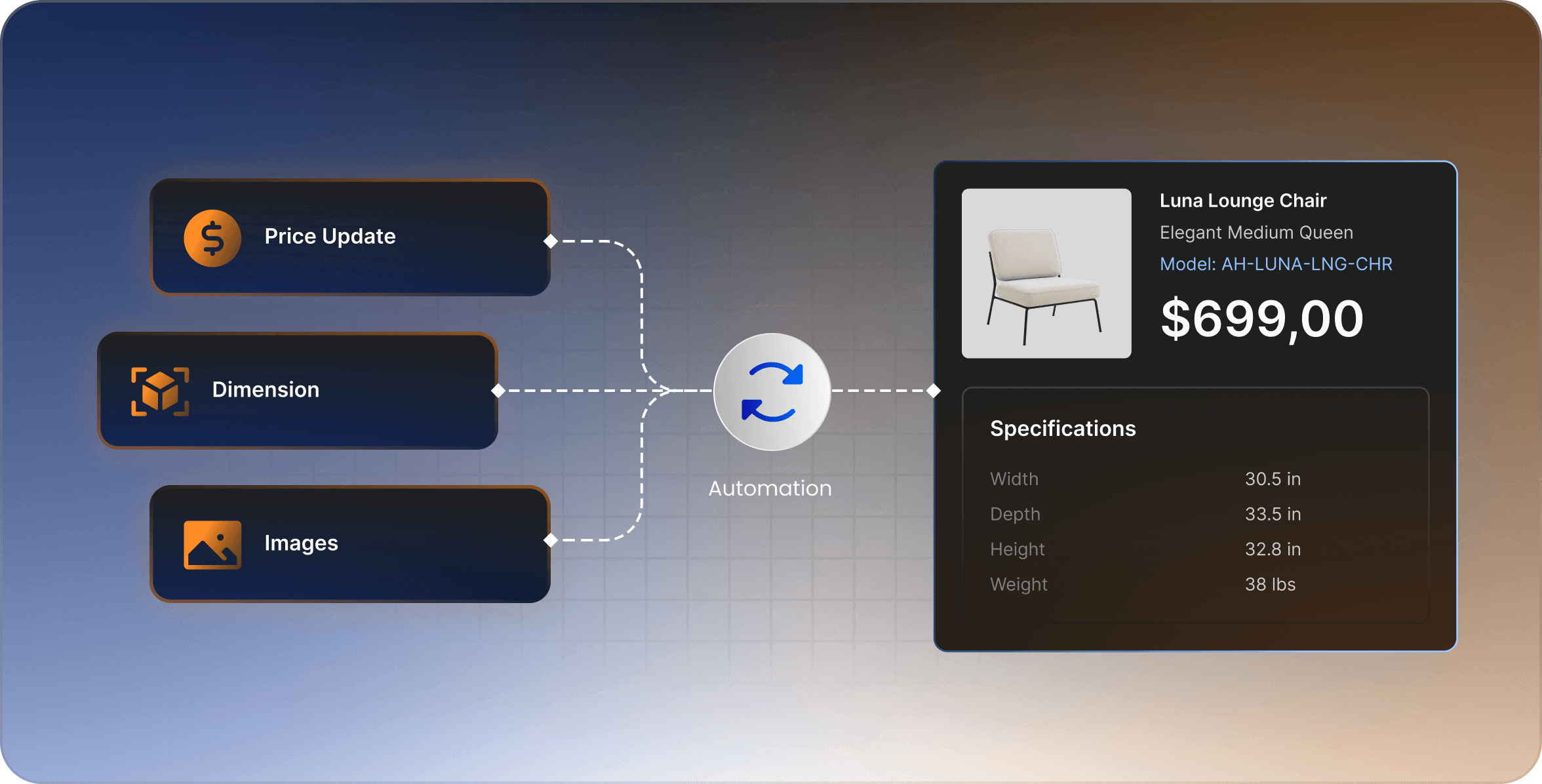
Saving time is the most obvious benefit. The bigger change is that your catalog becomes something your team can trust instead of something they constantly have to verify. Instead of chasing product updates, your team can focus on merchandising, promotions, and helping customers make buying decisions.
Reliable attribute data provides a stronger foundation for faceted filtering. Once those fields are mapped correctly, customers can filter products by dimensions, finish, configuration, and other relevant attributes.
Complete product data supports more than daily catalog maintenance. It can also strengthen product pages with richer information for customers and search engines while reducing the time required to prepare new collections for publication.
The biggest change, however, is confidence. You’ll finally have a catalog your team and customers can trust. Sales staff stop second-guessing product information. Marketing no longer worries about promoting outdated pricing or discontinued collections. Customers spend less time questioning specifications because the information they’re reading is current.
Automation still has limits. It won’t decide what to stock, how to price against a local competitor, or which collection deserves the front of the showroom. Those are business decisions only your team can make. Automation removes the manual work behind those decisions, keeping product information accurate so your team can focus on the work that actually grows the business.
How To Move From Manual To Automatic
Moving from a manual catalog is usually less dramatic than it sounds. Start small, work through the right questions, and expand only after you’ve proven the process.
Start By Auditing What’s Wrong Today
Pull 20 live listings at random and compare each one against the manufacturer’s latest information: price, dimensions, finish availability, and lifecycle status. Whatever percentage comes back wrong is your real starting point, and it is usually higher than anyone on the team expects.
Work Out Which Brands Carry Your Revenue
Coverage of your top brands matters far more than the total number of brands a platform supports. A solution that syncs hundreds of manufacturers is not much help if the four brands driving half your sales are missing. Check the names that matter most before evaluating anything else.
Decide Where The Catalog Lives
Identify which systems need access to your product data, whether that’s your eCommerce website, POS system, PIM, or another internal application. Then determine how your team will use APIs and webhooks within your existing workflow. Some retailers apply updates automatically, while others prefer to review product changes before publishing them.
Sort Out Authorization Early
MAP pricing, dealer costs, rebates, and other manufacturer data are permission-based. Not every retailer is authorized to access every field, so any platform handling that information should automatically respect those permission rules.
Start With One Brand
Choose one manufacturer and test how its product data moves through your workflow. Review how your integration receives API data, responds to webhook notifications, and applies or approves updates before expanding to additional brands.
Do You Actually Need To Automate This?
Not every retailer does, and any guide that says otherwise is trying to sell you something. Manual catalog management is still a reasonable approach if your catalog is small, your product lineup rarely changes, and the same person has managed the data long enough to spot inconsistencies. It can also make sense for businesses focused on custom or made-to-order furniture, where there is no manufacturer data feed to synchronize. Even outsourcing catalog maintenance may cost less than software for some retailers.
The threshold is easier to recognize than it is to calculate. Once you’re managing hundreds of active SKUs across multiple manufacturers, manual catalog maintenance often starts breaking down long before anyone realizes it.
Here’s an even simpler test.
Pick any product on your website and ask when its information was last checked against the manufacturer’s latest data. If nobody can answer, you don’t have a manually maintained catalog. You have an unmaintained one.
Where To Go Next
Everything in this guide comes back to one idea. Most catalog software helps you organize product information after you’ve collected it. The harder problem is keeping that information current as manufacturers update prices, specifications, imagery, and product availability over time.
That’s where Skulytics fits. The platform provides access to authorized manufacturer product data through APIs and webhooks, giving retailers a reliable source of current product information. From there, each retailer decides how product updates are reviewed, approved, and incorporated into their own catalog workflow.
Furniture retailers can also use that product data to support configurable variants, collection-based products, marketing assets, lifecycle information, and other catalog details that are difficult to maintain manually.
If you’d like to learn more, explore the Self-Updating Catalog to see what product data is available, how manufacturer authorization works, and how APIs and webhooks can support your existing catalog workflow.
If you’d rather discuss your own catalog, brands, or eCommerce platform, contact the Skulytics team. The conversation focuses on your current workflow and whether automation makes sense for your business, not on delivering a generic product demonstration.
Prefer to explore on your own first? Pricing starts at $100 per month, and the Individual plan includes a 14-day free trial with 5,000 API calls.
Before you do any of that, spend one hour auditing twenty products on your website against the manufacturer’s latest information. That exercise will tell you more about the health of your catalog than any sales presentation ever could.


